Workspaces provide a shared environment where you and your team can organize and create content using common resources. By linking knowledge bases and files, any content and chat responses generated within the workspace will reference this linked data.
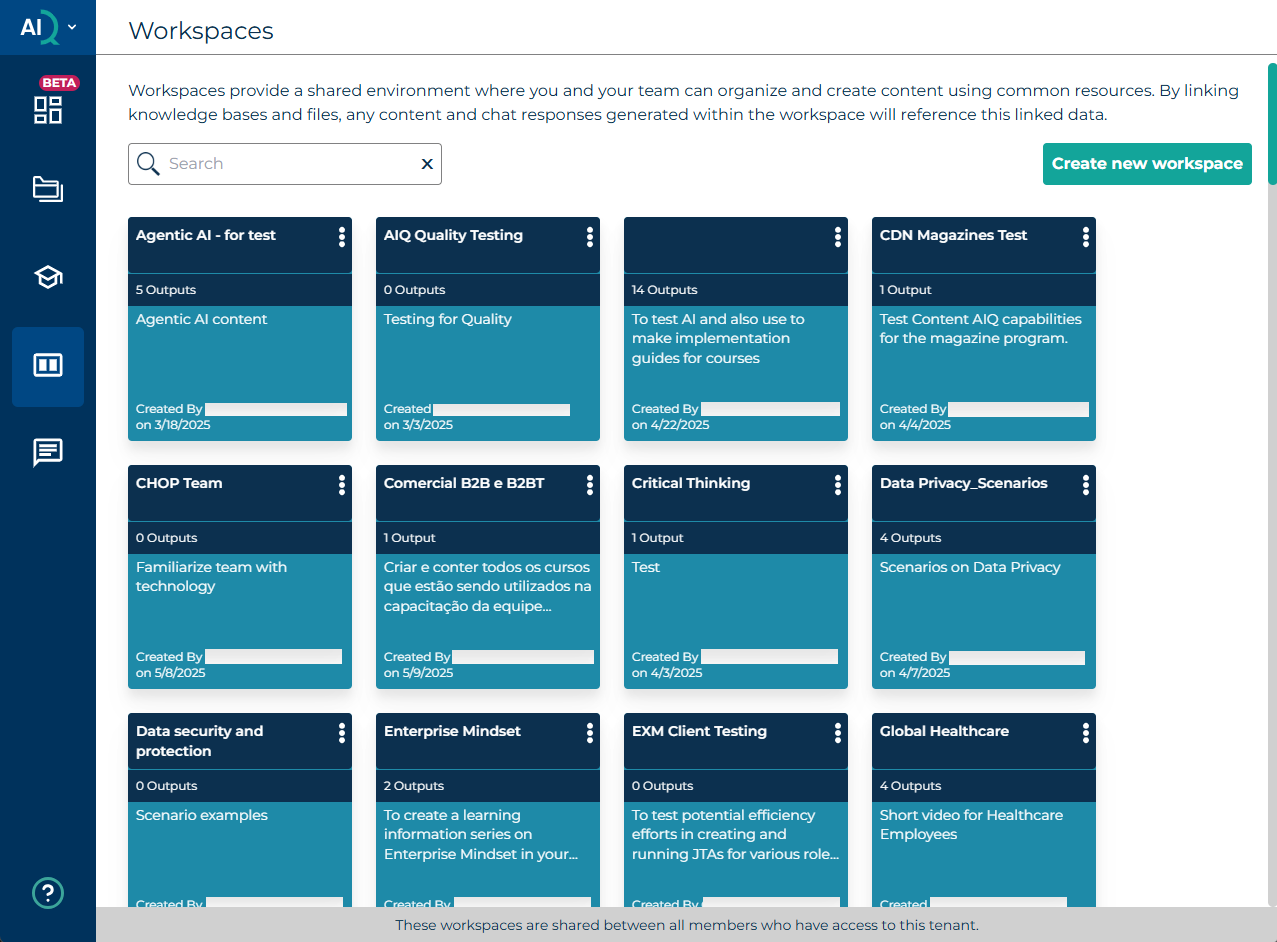
Create new Workspace (Short video tutorial)
Create new Workspace
To create a new Workspace, select Workspaces on the left, and then Create New Workspace on the right. Use a meaningful name, for example “Anti-Fraud training” and a description of the purpose of the Workspace – e.g. “Design of the new fraud prevention course for bank and building society contact centres.”
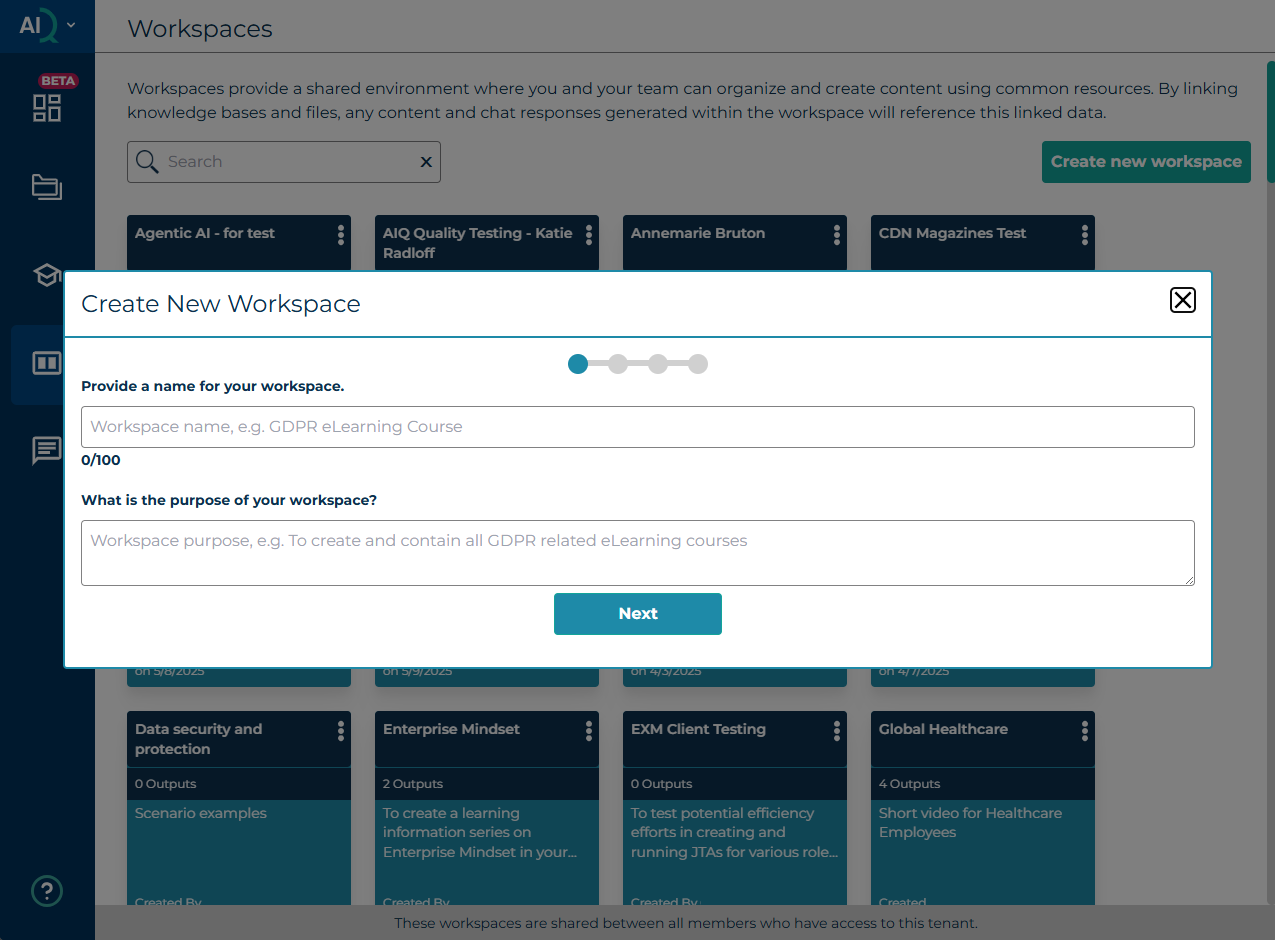
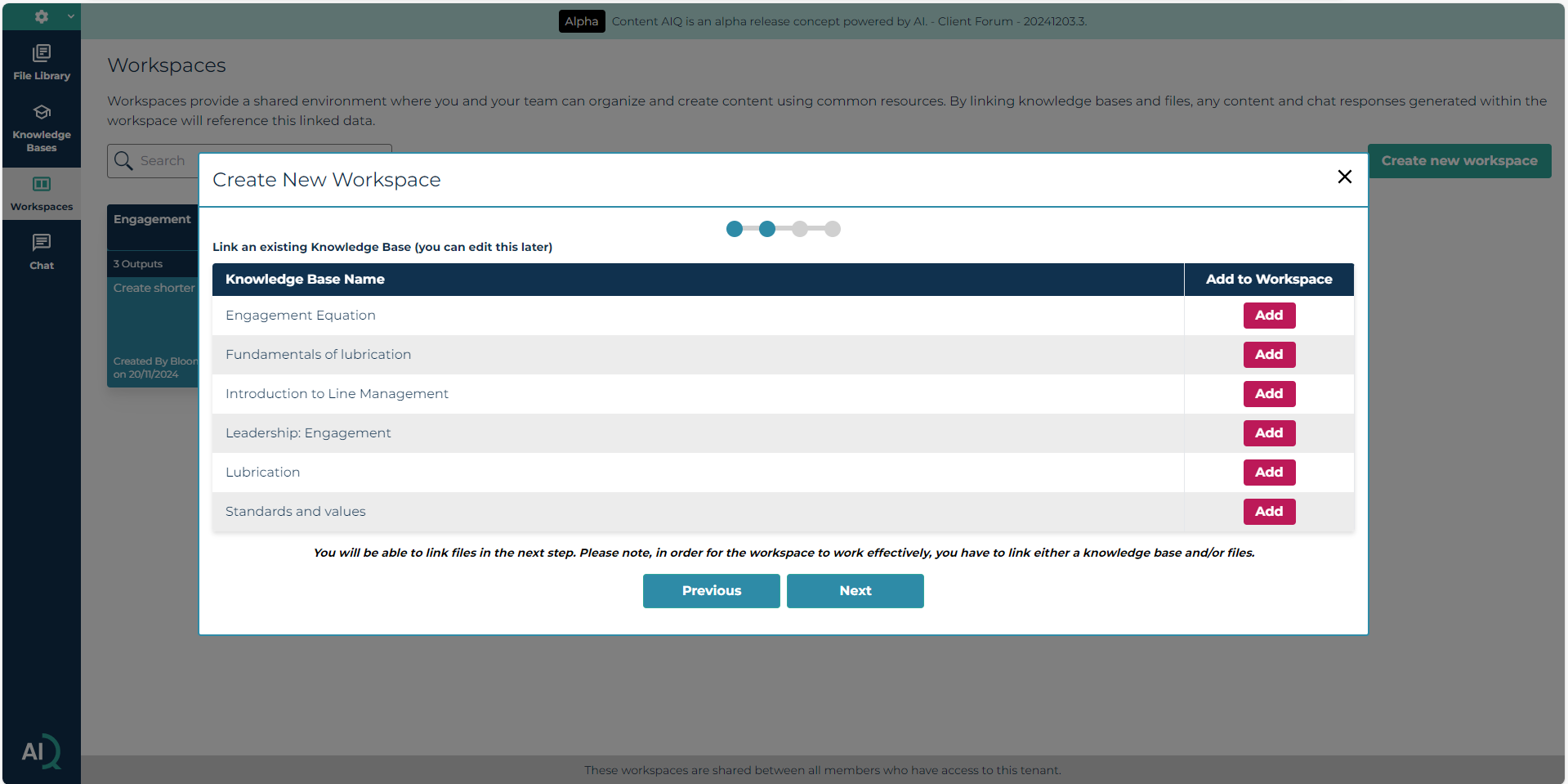
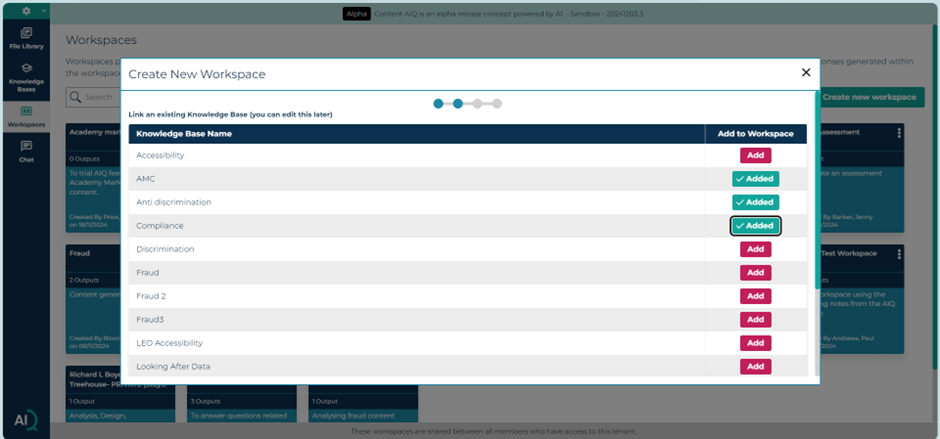
Select Next and select the knowledge base/s that are relevant to your activity or project. Note: only published knowledge bases will show in this view.
Once you have chosen the knowledge base/s select Next.
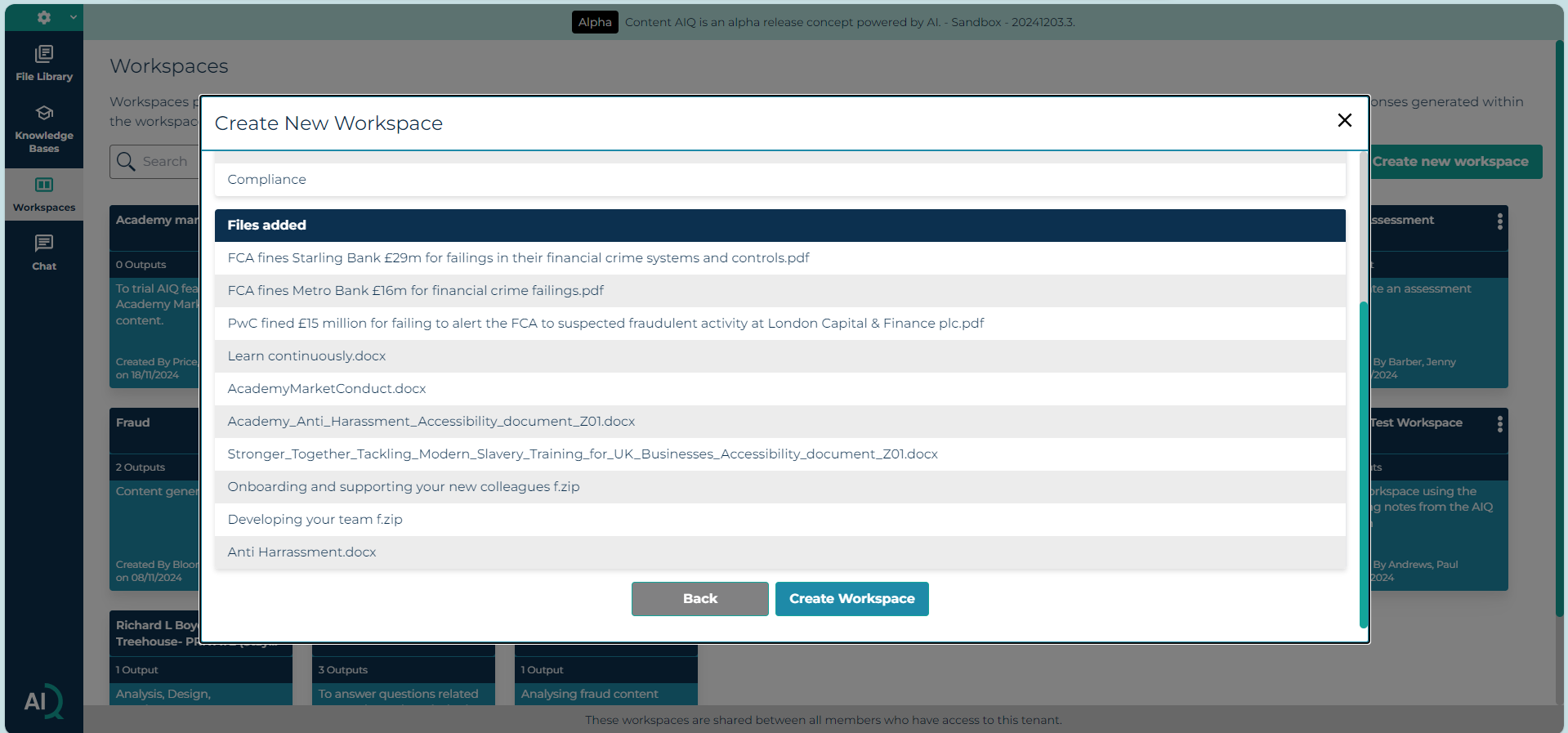
You can add additional files to supplement your knowledge base such as company values etc.
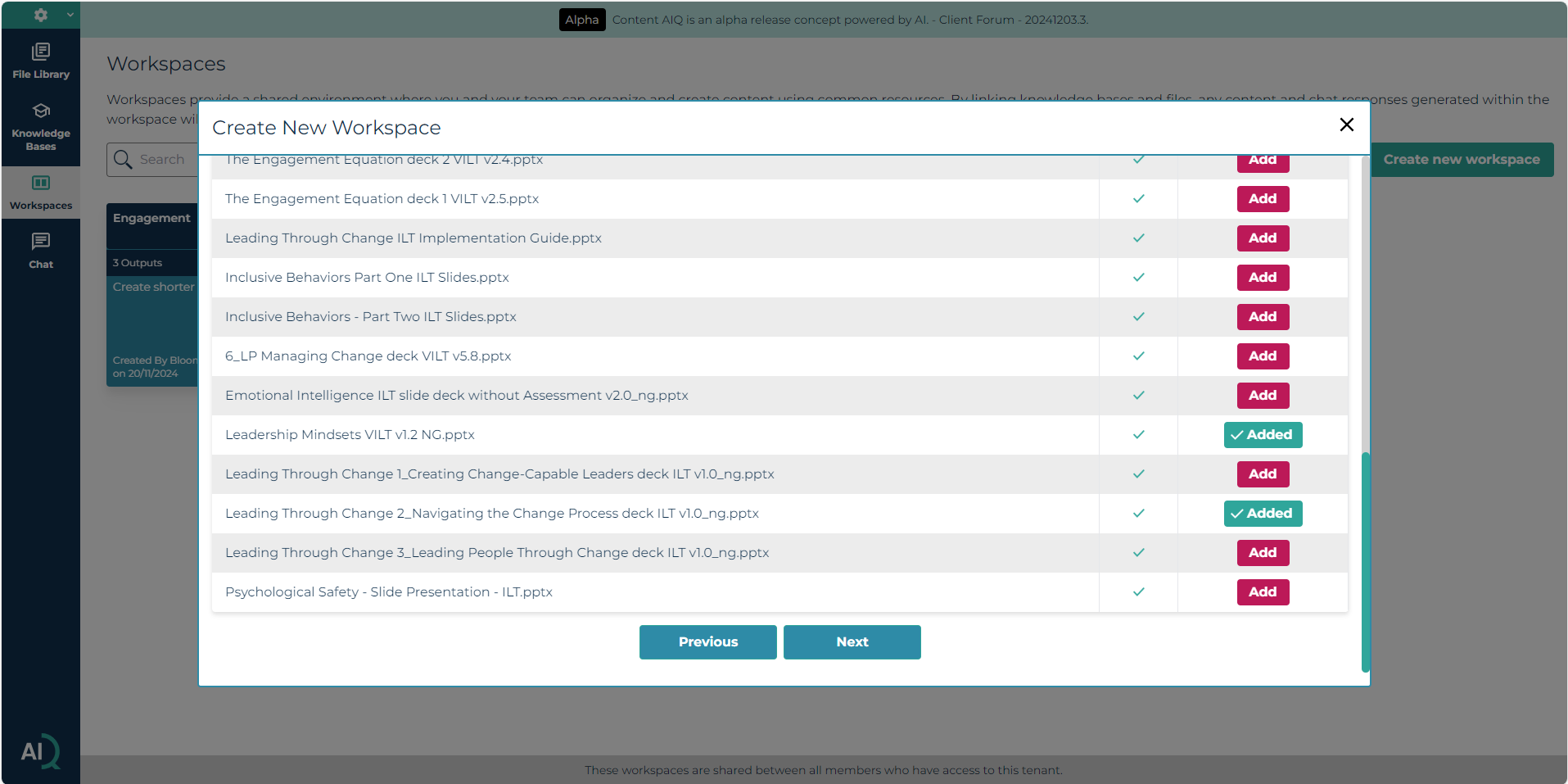
Once you have made your selection, select Next
If you are happy with your selection, select Create Workspace.
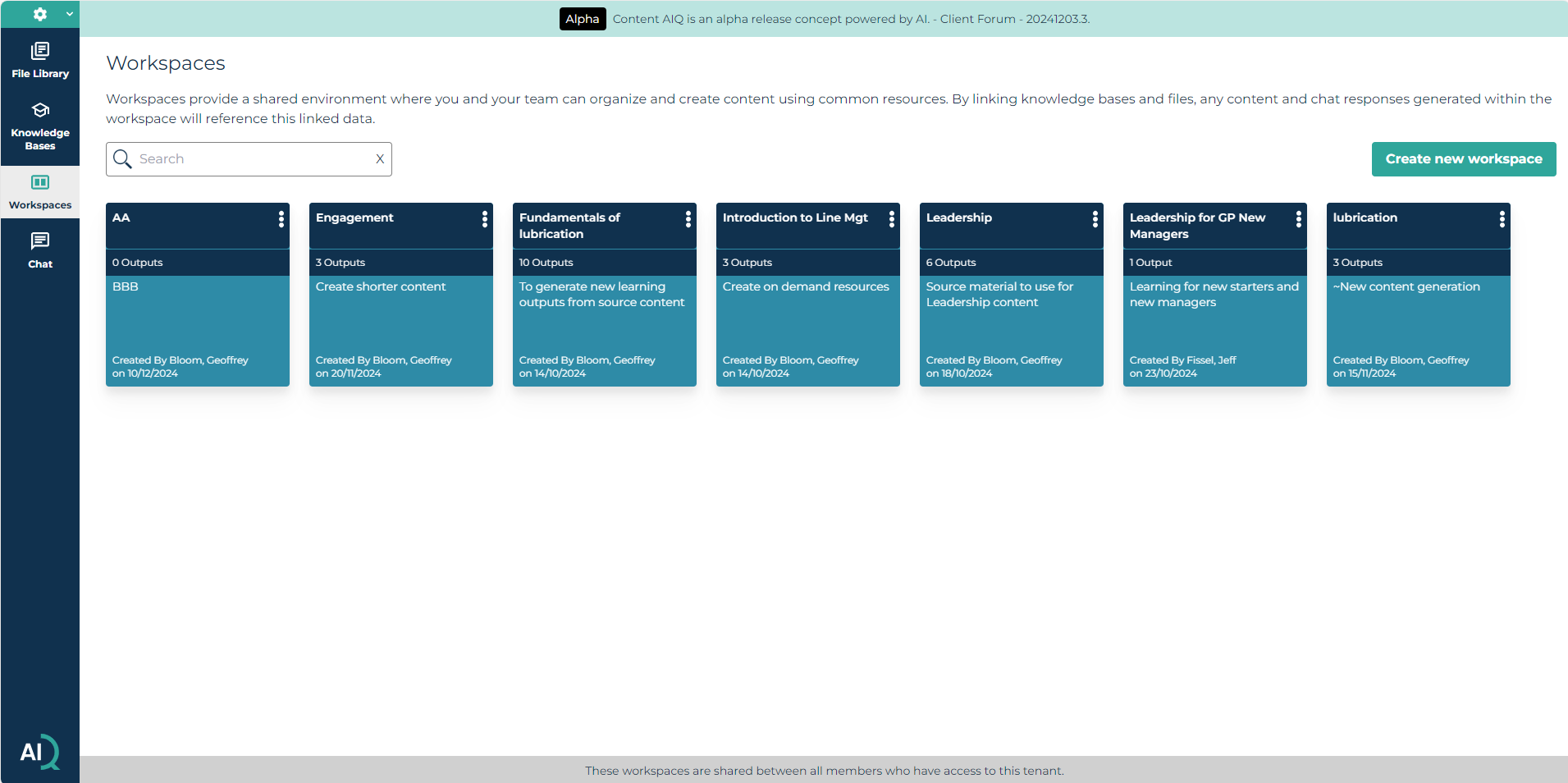
The workspace will then be added to the Workspace screen, and you can start to create content within it by clicking on it.
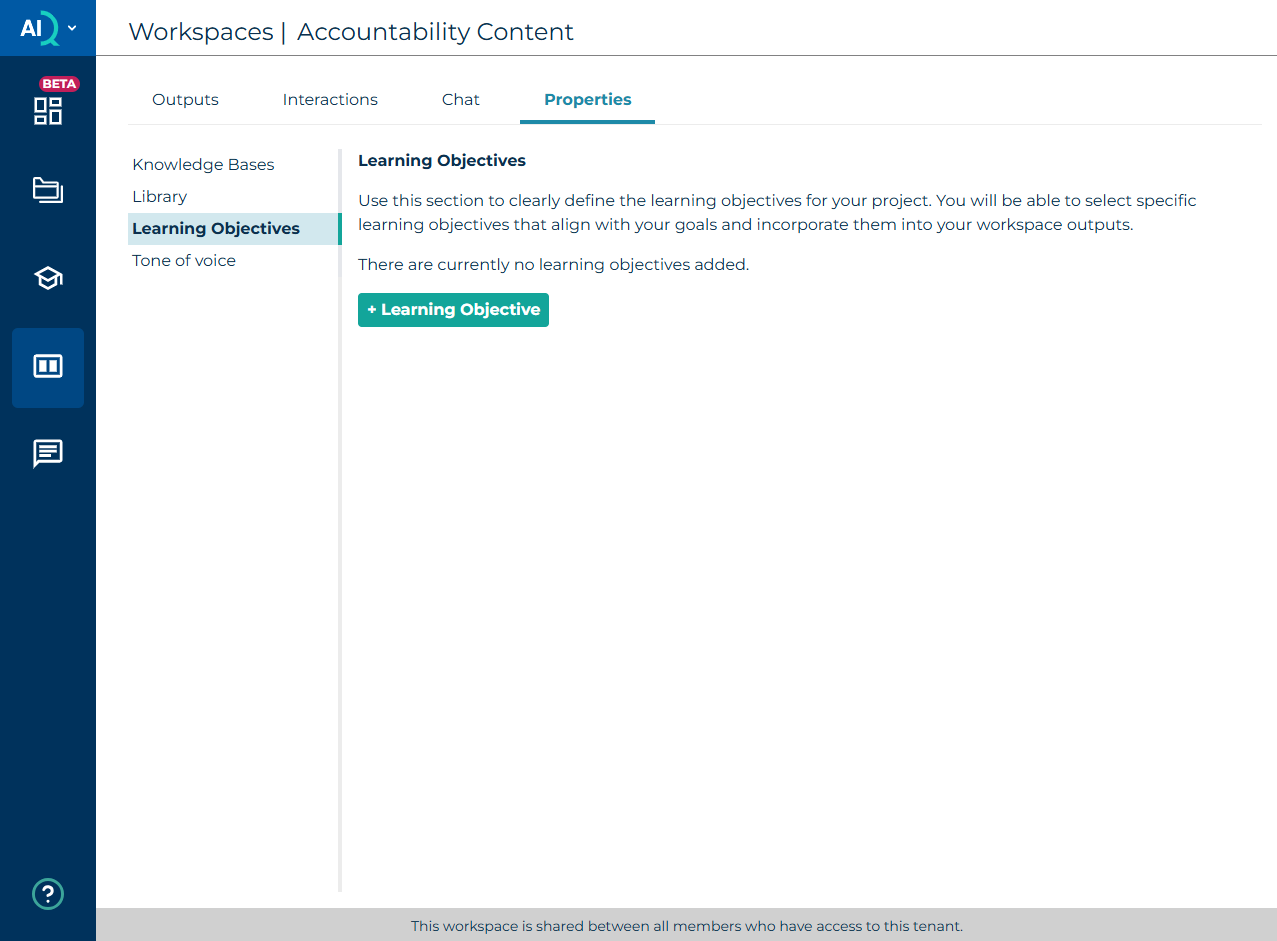
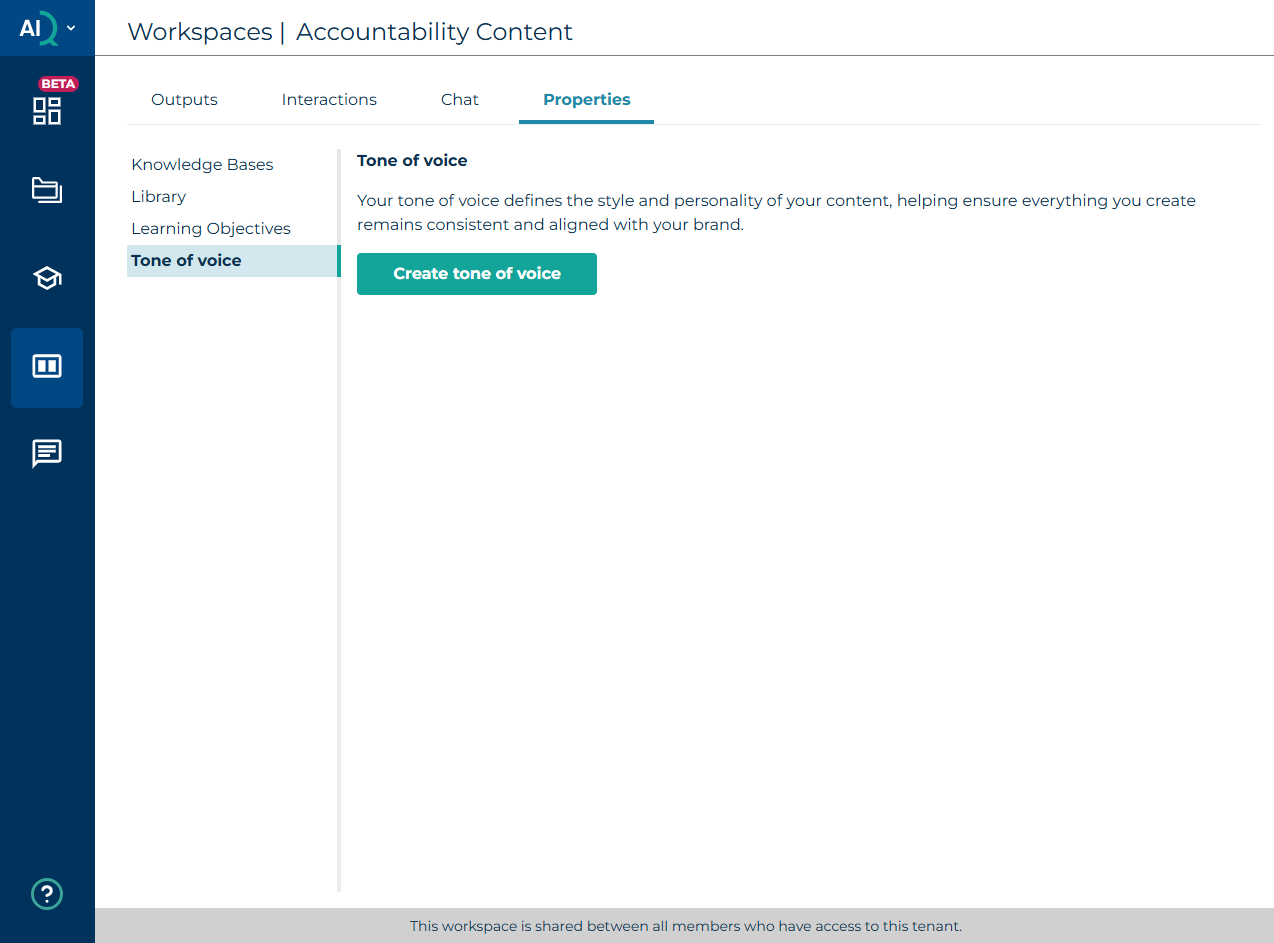
Once inside a workspace, you can also access properties to update which knowledge bases and content are linked, as well as add Learning Objectives and set a tone of voice to be used for all outputs.
Was this article helpful?
That’s Great!
Thank you for your feedback
Sorry! We couldn't be helpful
Thank you for your feedback
Feedback sent
We appreciate your effort and will try to fix the article