To create a Course Outline, select Create Course Outline from the Create New Output selector box, give it a meaningful name that will allow you and others to identify it later, and then select Continue.
You will see a blank Course Outline template appear with animated symbols. You next need to specify the Course Outline that you want to be created.
You will see a set of parameters that the AI needs to create you a suitable Course Outline, for example to make sure it covers the right topics and is pitched at the right level.
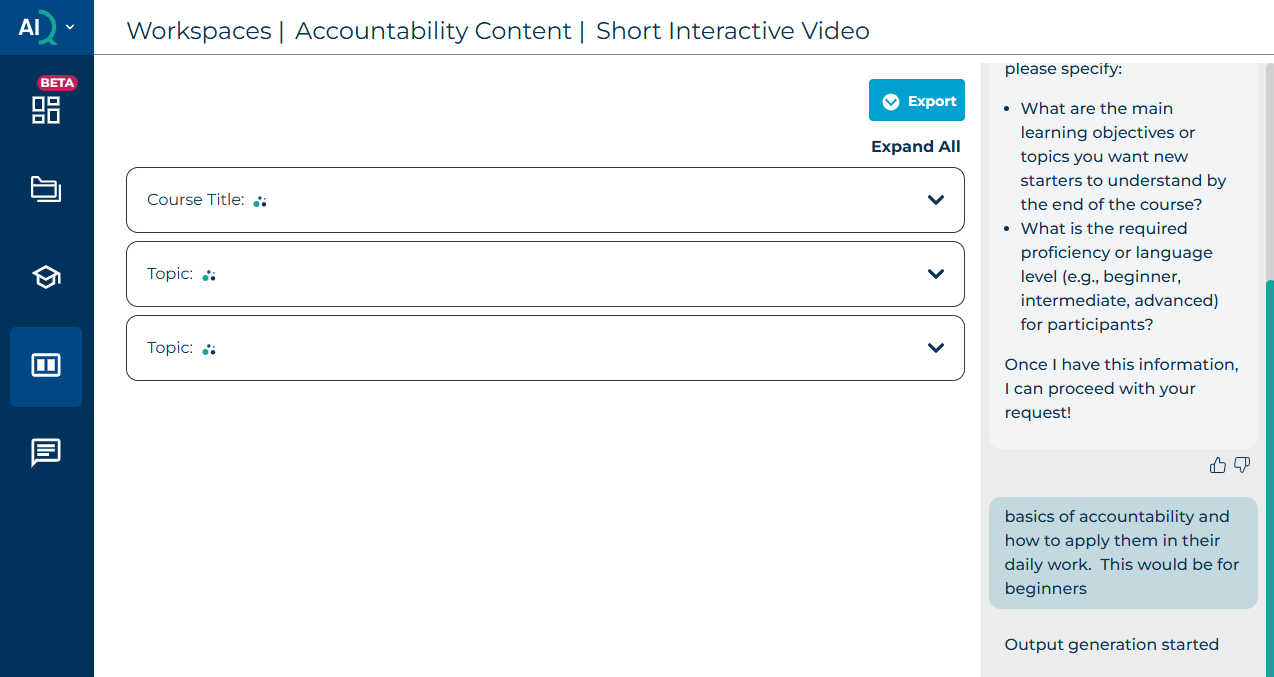
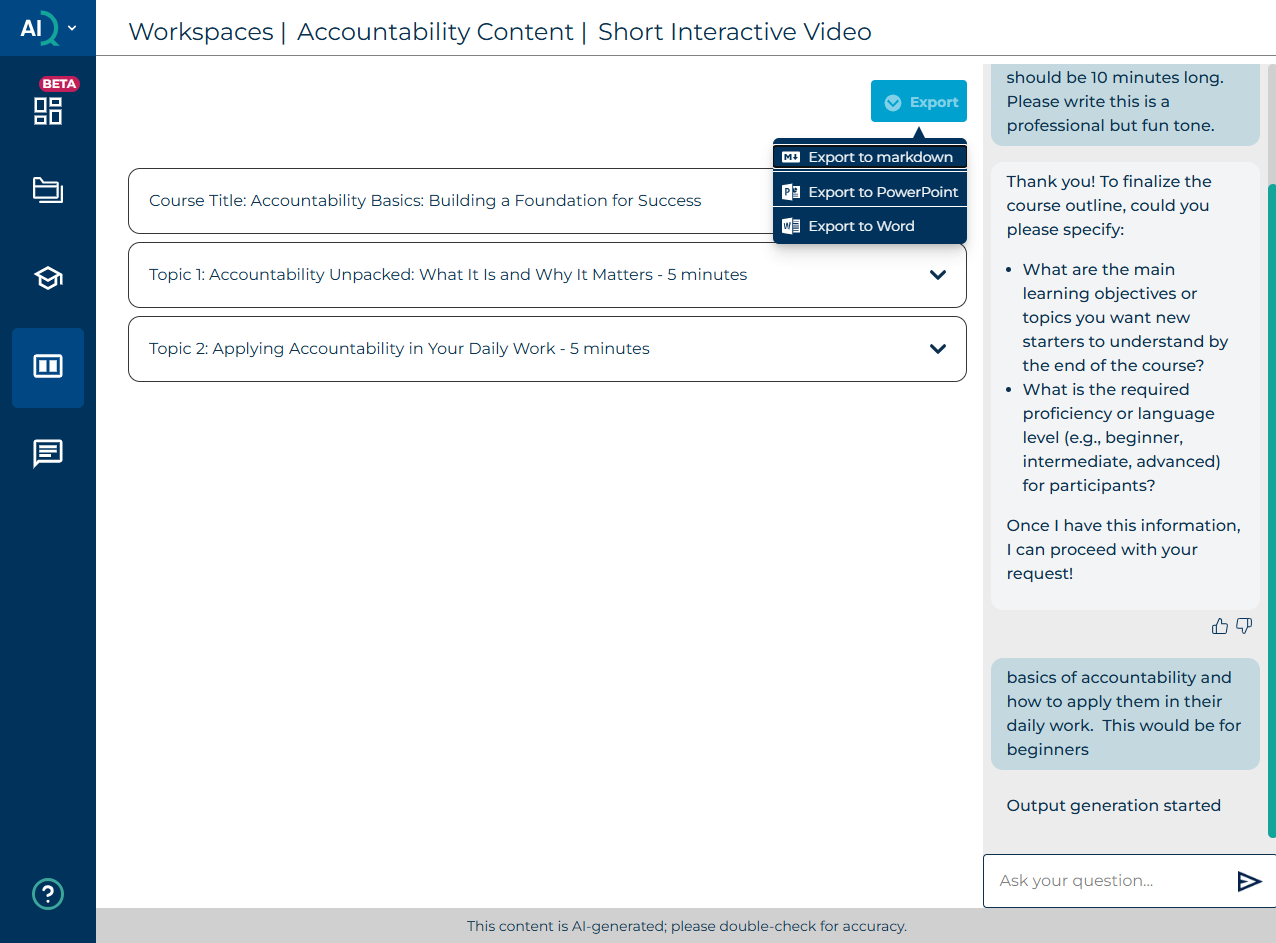
Once you have generated the course outline, you can refine it and copy it to your preferred output format, or select one of the provided export options.
Was this article helpful?
That’s Great!
Thank you for your feedback
Sorry! We couldn't be helpful
Thank you for your feedback
Feedback sent
We appreciate your effort and will try to fix the article