The Course Script output is designed to create a first draft at a high level of your course content. It can be used as input to a design document, a presentation or as starting point for e-learning creation.
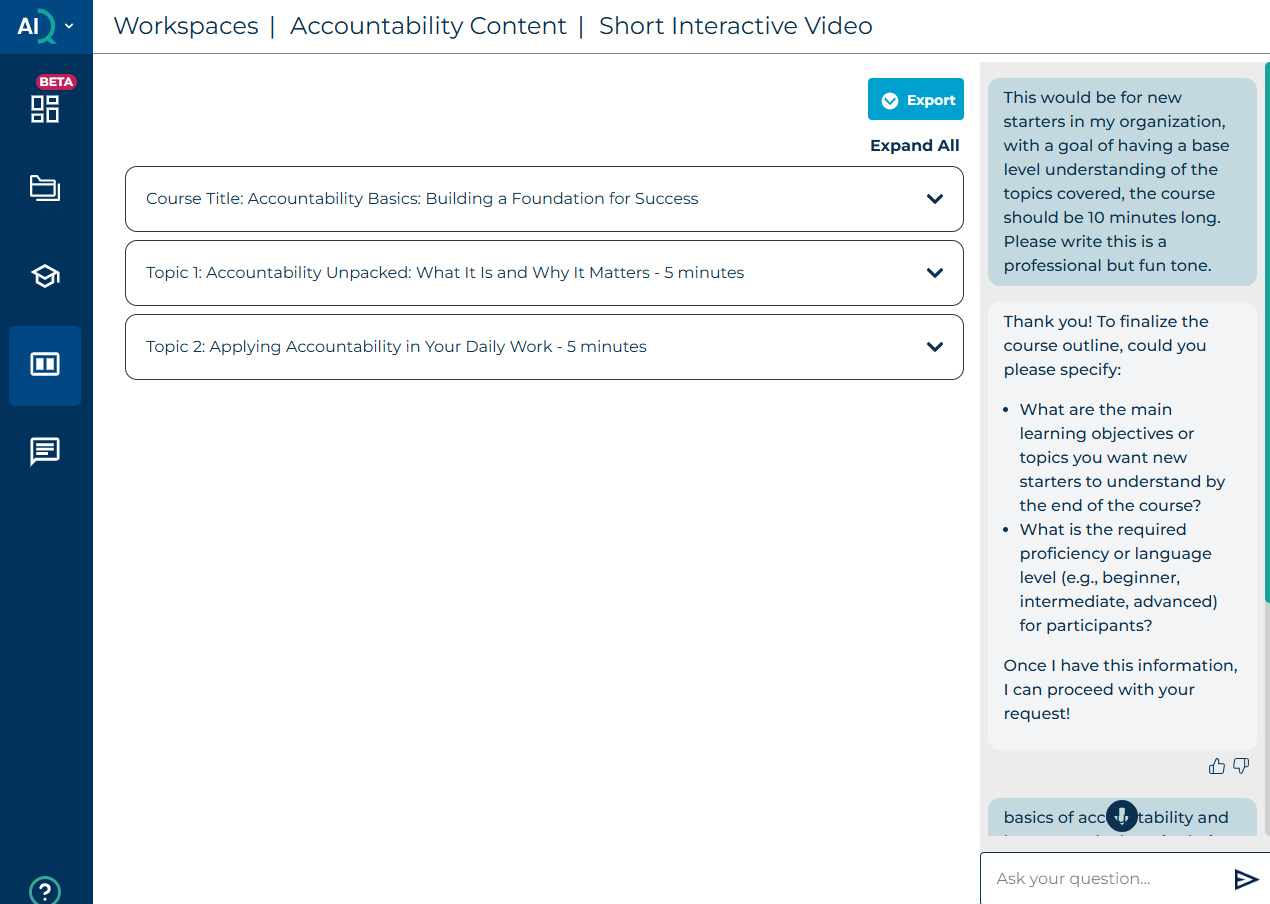
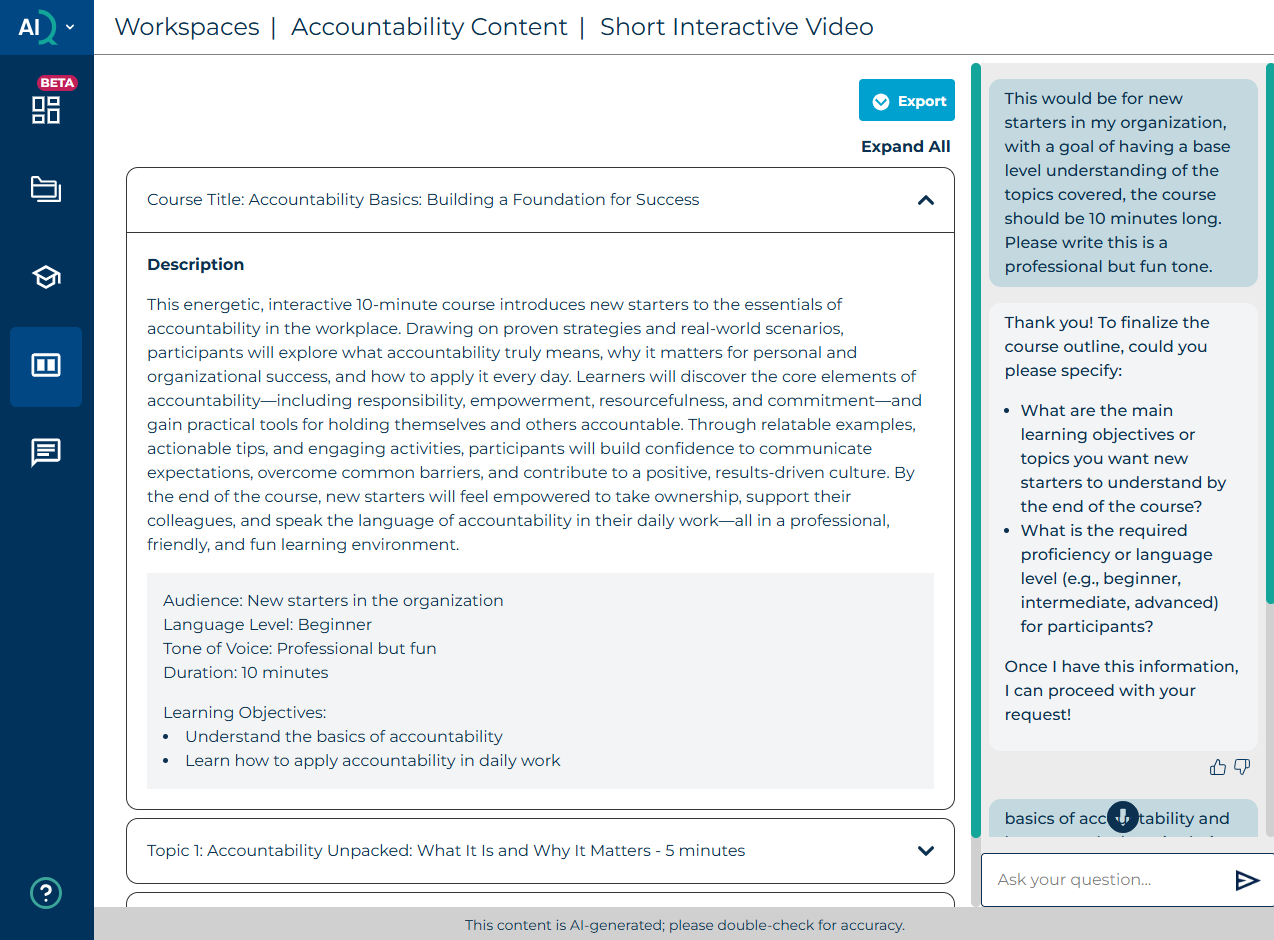
Once you have populated the output parameters, the AI will start populating the Course Script output and will display a compressed view. Select expand all to see the full script. The output may run over several screens, so scroll down to see all the output.
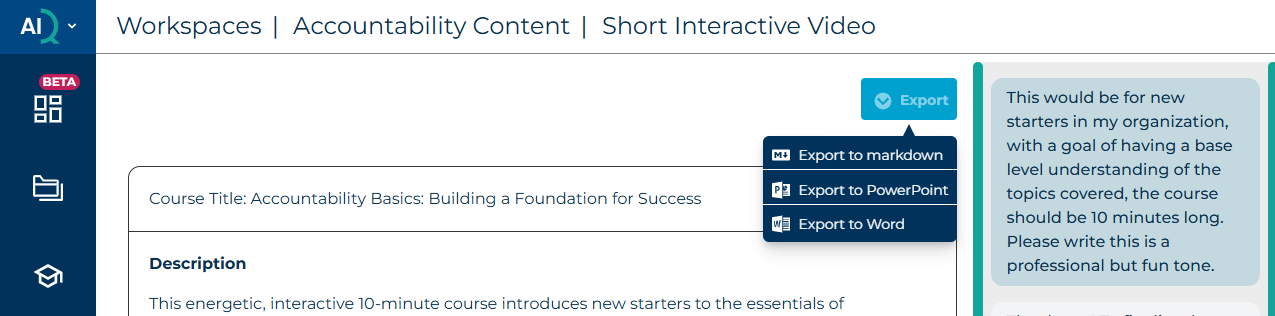
You can export the output in Markdown, PowerPoint, or Word format, and you can also continue to interact with the AI in the dialogue box.
Was this article helpful?
That’s Great!
Thank you for your feedback
Sorry! We couldn't be helpful
Thank you for your feedback
Feedback sent
We appreciate your effort and will try to fix the article