We now have the ability to control versions of a specific Workspace output. For example, you generate the first draft of a script output that you like and want to save, before making further edits.
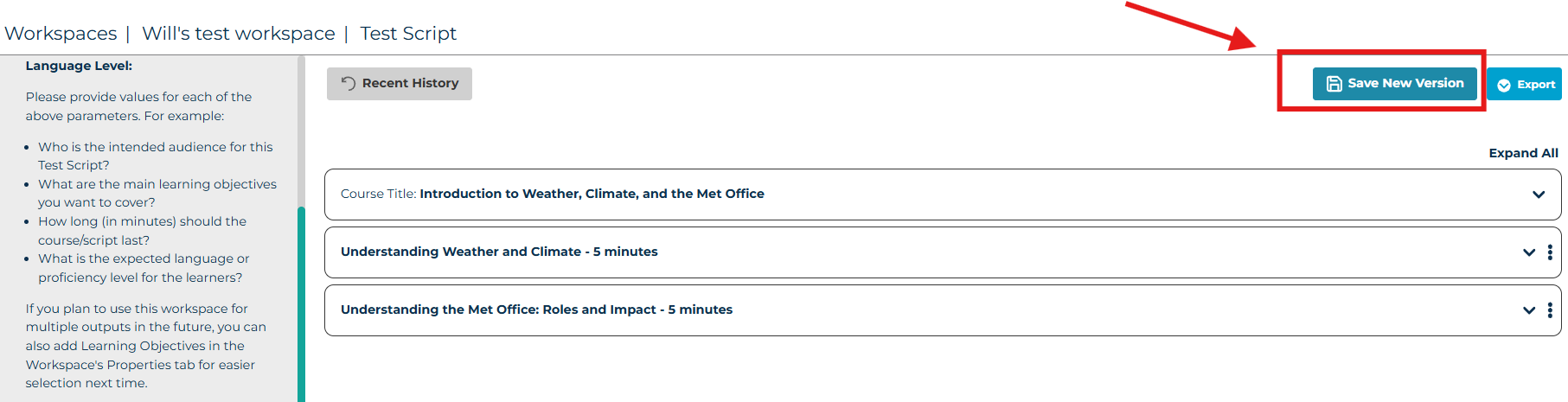
Press 'Save New Version' inside your output, then give this version a name before saving. For example, 'Course name script version 1'. This will save that version of the output in the history, and allow you to make changes to the script without any worries that you can always revert back to the first version if you need.
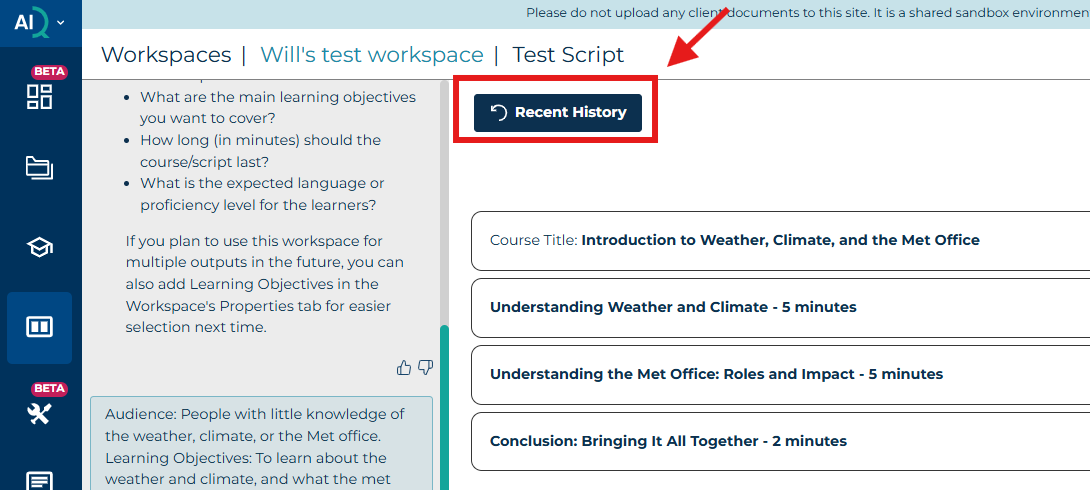
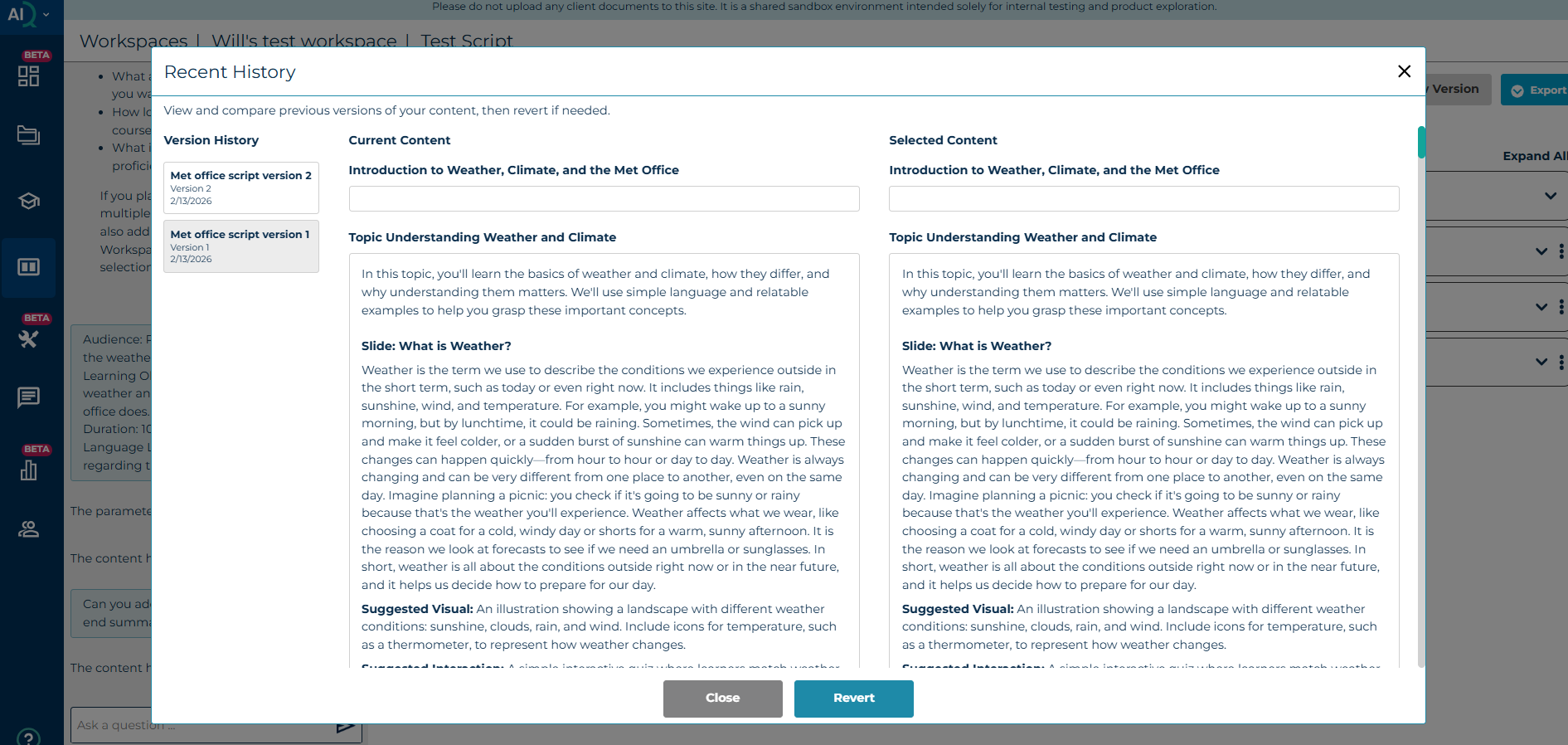
When you click on the 'Recent History' button, it will take you to your version control page. Here you will be able to see and compare all your saved versions of this output with the current version. If you decide to revert back to an older version of the output, all outputs created after that version will be permanently lost.
Was this article helpful?
That’s Great!
Thank you for your feedback
Sorry! We couldn't be helpful
Thank you for your feedback
Feedback sent
We appreciate your effort and will try to fix the article